Why integrate Campaign Monitor and Beetexting?
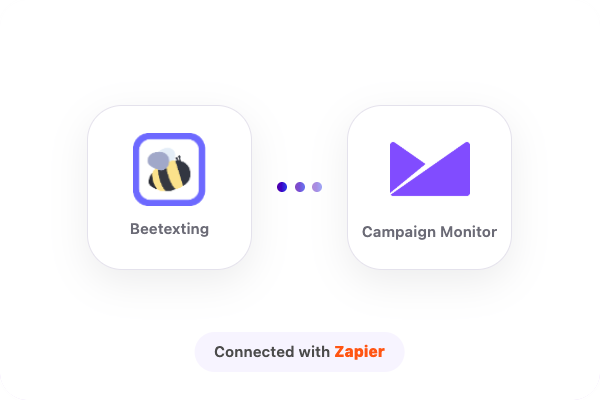
Email and text do different jobs. Campaign Monitor carries the newsletter; Beetexting carries the conversation. Connected through Zapier, activity like a new subscriber or a click can create a Beetexting contact or alert the rep who owns the relationship, so the follow-up comes from a person, by text, while interest is high.
Beetexting gives each rep their own sender identity, or lets a team collaborate on a shared company number. To text subscribers directly, collect a mobile number and SMS consent on your signup form as Campaign Monitor custom fields, then map them into Beetexting.
Triggers & actions
What else can you do?
Below are the triggers available today in Campaign Monitor and the Beetexting actions they can run on Zapier. Mix and match them, or add filters and delays in between. Want the full, always-current list? Visit Zapier.

When this happens in Campaign Monitor… |

Do this in Beetexting… |
|---|---|
| New SubscriberA subscriber is added to a list | Send MessageText a contact or a team member from an individual or shared number |
| New UnsubscribeA subscriber unsubscribes from a list | Create or Update ContactAdd the subscriber to Beetexting or refresh their record |
| New Email OpenA subscriber opens a campaign email | Search ContactFind an existing contact before messaging |
| New Click ThroughA subscriber clicks a link in a campaign | |
| New BounceA campaign email bounces | |
| New Bounced Transactional MessageA transactional email bounces | |
| New ClientA new client is added to your agency account | |
| New ListA new subscriber list is created |
Trigger and action names as listed on Zapier on November 4, 2026. Instant triggers fire in seconds; polling triggers check on your Zapier plan's interval.
How Do I Get Started?
A few minutes now can save you hours later. Here’s how to connect the two apps in just a few easy steps.
- Sign up for a Zapier account. Get started with a free forever plan and 100 tasks per month.
- Authenticate your Campaign Monitor and Beetexting accounts. Login to Zapier. Visit Connected accounts, then search for the two apps.
- Select your trigger. What event do you want to launch your automation?
- Select your action. What do you want to happen when the event takes place?
- Done! Now the tedious stuff will be taken care of so you can focus on the big picture.
Need more guidance? Visit our help center for step-by-step articles and videos.